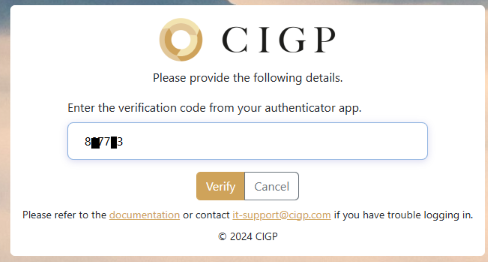
Sign in - Step 2
Step 2 - TOTP
After inputting your username and password in step 1, you will need to input a one-time password (OTP) from your 2FA-registered device to continue with the sign in process.
Refer to this page if you need to register or re-register your 2FA device
- Open the authenticator app on your registered device and locate the entry for CIGP E-Platform
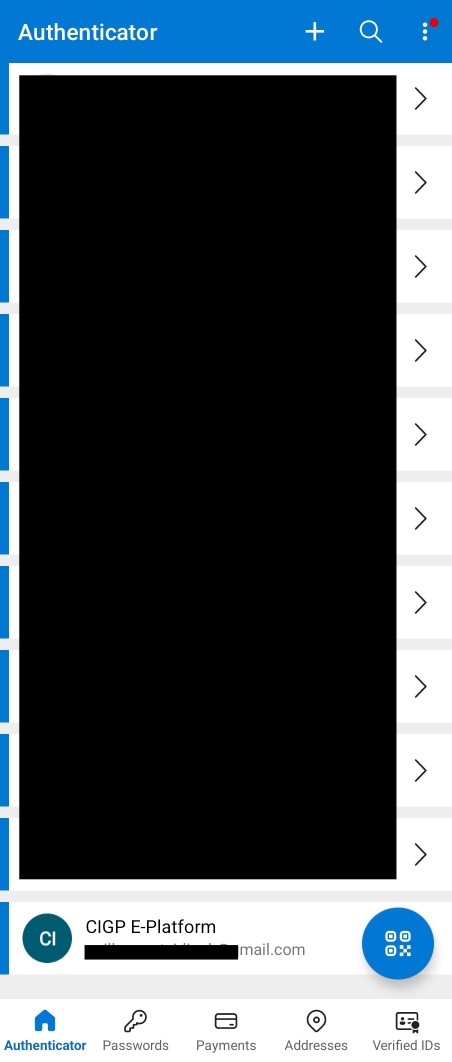
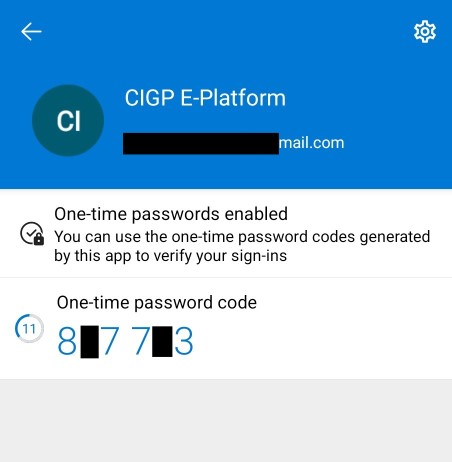
Example: Microsoft Authenticator
-
Input the code in the E-Platform login page and press Verify
Do not input any space character.